


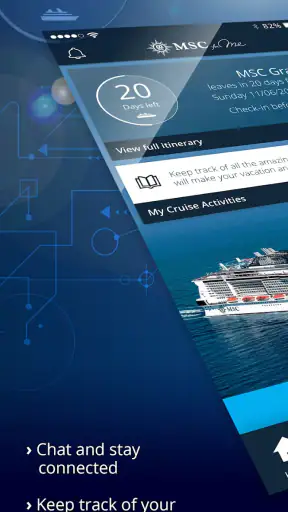
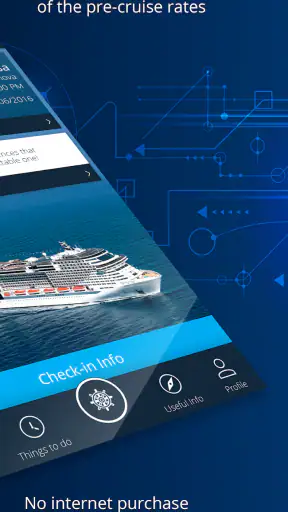
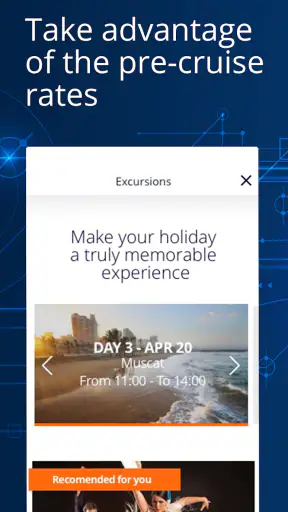
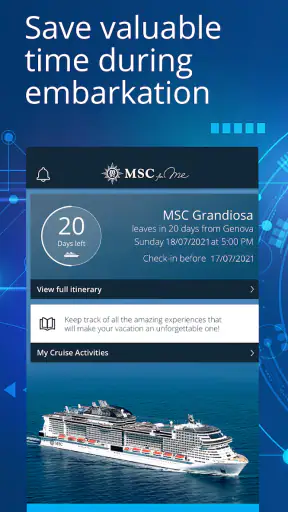
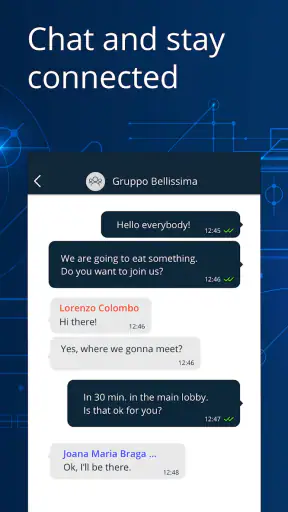
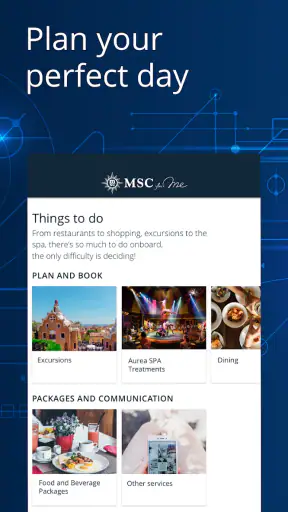
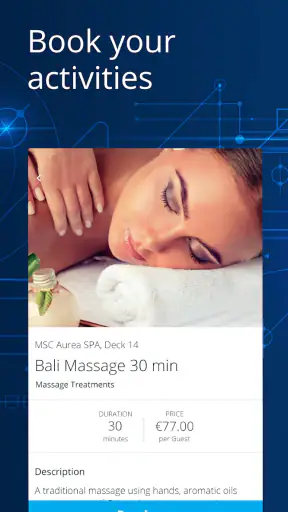

Before a cruise, I usually have too many small jobs competing for attention: checking the sailing details, remembering what needs to be arranged, and working out what I will need once I am onboard. MSC for Me is designed to bring those cruise-related tasks into one mobile starting point. It is a free Travel & Local app from MSC Cruises S.A., and its purpose is much narrower than a general travel planner: it is meant to support an MSC cruise rather than organize every part of a holiday.
That focus is both its main strength and its first limitation. If I am sailing with MSC, having the company’s own app available is more convenient than switching between a booking page, email messages, paper documents, and conversations with staff. If I am comparing several cruise lines or planning flights, hotels, and excursions across different providers, it cannot replace a broader travel app. I see it as a companion for the cruise itself, not as a complete travel command center.
From pre-cruise preparation to a smoother day onboard
What I would do before leaving home
The useful workflow begins when I already have an MSC booking and want to turn that reservation into something easier to manage. I would install the app, sign in with the relevant cruise details, and use the available trip information as my reference point. The important change is not that the app magically plans an entire holiday; it is that cruise information is placed closer to the moment when I need it.
That distinction matters for families and groups. One person may have made the booking, while another person is responsible for checking arrangements, and a third may be looking for information during the trip. A shared household conversation can become confusing when everyone is working from different emails. Using the app as the common place to review the cruise reduces that handoff, although it does not remove the need for every traveler to understand their own responsibilities.
I would also treat the first session as a setup task rather than something to rush through at the port. Entering details while I have a stable connection gives me time to notice whether the reservation appears correctly and to become familiar with the navigation. That is a practical tip that is easy to overlook: the app is most helpful when I learn where things are before the busiest part of the journey, not while standing in a queue with luggage.
Following the trip step by step
Once the cruise is connected, I can use the app as a digital reference during the journey. The exact value depends on how much information is available for the particular sailing, but the general idea is straightforward: instead of repeatedly searching through old messages, I open the cruise companion and look for the relevant area. This is especially useful when my attention is divided between travel, family members, and the ship environment.
My preferred workflow would be to check the app at three different moments. First, I would review the trip before departure so that I know where to find the important sections. Second, I would use it during the first day to orient myself and confirm what is happening. Third, I would return to it whenever I need to make a decision, such as checking an activity or reviewing a cruise-related arrangement. This prevents the common mistake of opening an app only after a problem appears.
The app is also better suited to quick checks than to long planning sessions. On a phone, I want to answer a focused question and put the device away: what is relevant to my cruise, what should I do next, or where should I look for a particular service? If I am trying to compare many independent travel options, I would rather use a general booking or itinerary tool. MSC for Me feels more useful when the decision is already inside the MSC ecosystem.
How the handoffs work in a real group
A realistic example would be a family arriving for embarkation. Before leaving home, one family member checks the cruise information in the app. During the journey, another person needs to confirm something while the original planner is busy with bags or children. The handoff works best when everyone knows that the app is the reference point and has the necessary access details ready.
That sounds simple, but it exposes a weakness shared by many account-based travel apps: convenience depends on preparation. If only one person knows the login information, the app can become another bottleneck rather than a shared tool. I would make sure the group agrees in advance about who manages the booking and how other travelers will access the information they need. I would not wait until the terminal to solve that.
There is another handoff between the app and the physical ship. A phone screen can show information, but it cannot replace paying attention to onboard announcements, staff instructions, or the practical layout around me. I would use the app to reduce searching, then confirm anything important through the normal onboard channels. That combination is more reliable than assuming the phone is the only source of truth.
Where it saves time, and where it does not
The clearest benefit is consolidation. Cruise details that might otherwise be scattered across messages and documents are easier to approach from one MSC-specific place. The app’s average rating of 4.7 from around 51 thousand ratings suggests that many users find this focused role worthwhile, and its reach is substantial, with over a million installs. Those figures do not make every sailing experience identical, but they do indicate that this is an established companion rather than a niche experiment.
I particularly value the reduction in small decisions. On a cruise, I do not want to spend the first hours repeatedly asking where to find information that should already be available. Having a dedicated app can make the transition from planning at home to moving around onboard feel less fragmented. The gain is not necessarily dramatic in one large feature; it comes from removing several minor searches.
Still, I would not describe it as a replacement for all travel paperwork or all human assistance. A phone can be misplaced, run out of battery, or become inconvenient when I am carrying bags. I would keep essential travel documents and booking information accessible in another form as well. That is not a criticism unique to MSC for Me; it is simply sensible preparation when a trip depends partly on a mobile device.
Practical trade-offs before relying on it
The app is free, which makes trying it before a cruise an easy decision for an MSC passenger. It is rated for Everyone, so it is suitable as a general family travel tool from an age-rating perspective. Its current version is 5.5.0 and it requires at least operating system version 10, so I would check the phone’s software before departure rather than discovering a compatibility issue at the last minute.
That minimum requirement is a small but real trade-off. Travelers with an older phone may need to update the device, use another device, or rely more heavily on traditional documents. I would also install and open the app while connected to reliable Wi-Fi, then sign in and inspect the trip before traveling. This is one of the most useful preparation steps because it separates account or compatibility problems from the pressure of the terminal.
I would not assume that installing it automatically gives every member of a group the same view. The person who owns or manages the booking may have a different role from another traveler. Before the trip, I would decide whether the app is being used individually or as a shared reference. That small conversation can prevent a surprisingly common failure: everyone expects someone else to know where the information is.
How it compares with ordinary alternatives
The usual alternative is a mixture of email, a browser, downloaded documents, and direct questions to cruise staff. That approach is flexible and does not depend on learning a dedicated app, but it can scatter information across several places. MSC for Me has the advantage when I want one MSC-focused interface and already know that the cruise line is the center of my plans.
A general itinerary app is stronger when my holiday includes multiple airlines, hotels, restaurants, and independent activities. It can provide a wider view of the whole trip, while MSC for Me is more relevant to the cruise relationship itself. I would use the general tool for the journey around the cruise and this app for the MSC portion, rather than expecting either one to do both jobs perfectly.
Paper documents remain useful for a different reason: they are dependable when the phone is unavailable. A browser can also be preferable if I am working on a larger screen or need to manage several travel details at once. The dedicated app wins for quick, mobile access, but it is not automatically the best interface for every task. My choice would depend on whether I am checking one cruise detail or organizing the entire holiday.
Who will get the most from it
I would recommend MSC for Me most strongly to passengers who want a single cruise-focused place to begin, especially first-time cruisers, families, and travelers who dislike searching through old correspondence. It is also useful for people who prefer to prepare gradually: install it early, connect the trip, explore the layout, and then return when a question comes up.
It is less compelling for someone who is not sailing with MSC, who rarely uses smartphone apps, or who already has a carefully organized paper-and-browser system and does not want another account to manage. It may also frustrate travelers expecting a universal vacation planner. The app’s value comes from its relationship with an MSC cruise, so outside that context there is little reason to keep it.
My honest result is that the app can make a cruise feel more organized, but only when I use it as part of a workflow rather than as a last-minute rescue. I would prepare the phone, confirm access, review the trip before departure, and keep a backup of essential information. During the cruise, I would use the app for fast checks while still paying attention to staff and onboard instructions.
MSC Cruises S.A. has built a focused tool rather than a broad travel marketplace, and I think that is the right approach for its audience. The free price removes the main barrier to trying it, while the established user base and strong average rating make it reasonable to include in pre-cruise preparation. The best reason to install MSC for Me is not novelty; it is the practical handoff from scattered planning to one cruise-specific reference point.
After using it in that way, I would keep it on my phone for the duration of the trip, but I would not rely on it alone. It is most effective when it answers routine questions quickly and leaves me free to enjoy the ship. For an MSC passenger, that is a useful outcome; for someone seeking a complete travel organizer, a broader alternative will still be the better choice.


